
Your FLAC library, in perfect sync.
A fast, native macOS player for your local FLAC library, with time-synced lyrics that scroll in perfect step with the music. No accounts, no ads, no tracking — just your music.
Free for macOS 14 Sonoma or later.
Apple Silicon and Intel.
- No accounts
- No ads
- No tracking
- Works fully offline
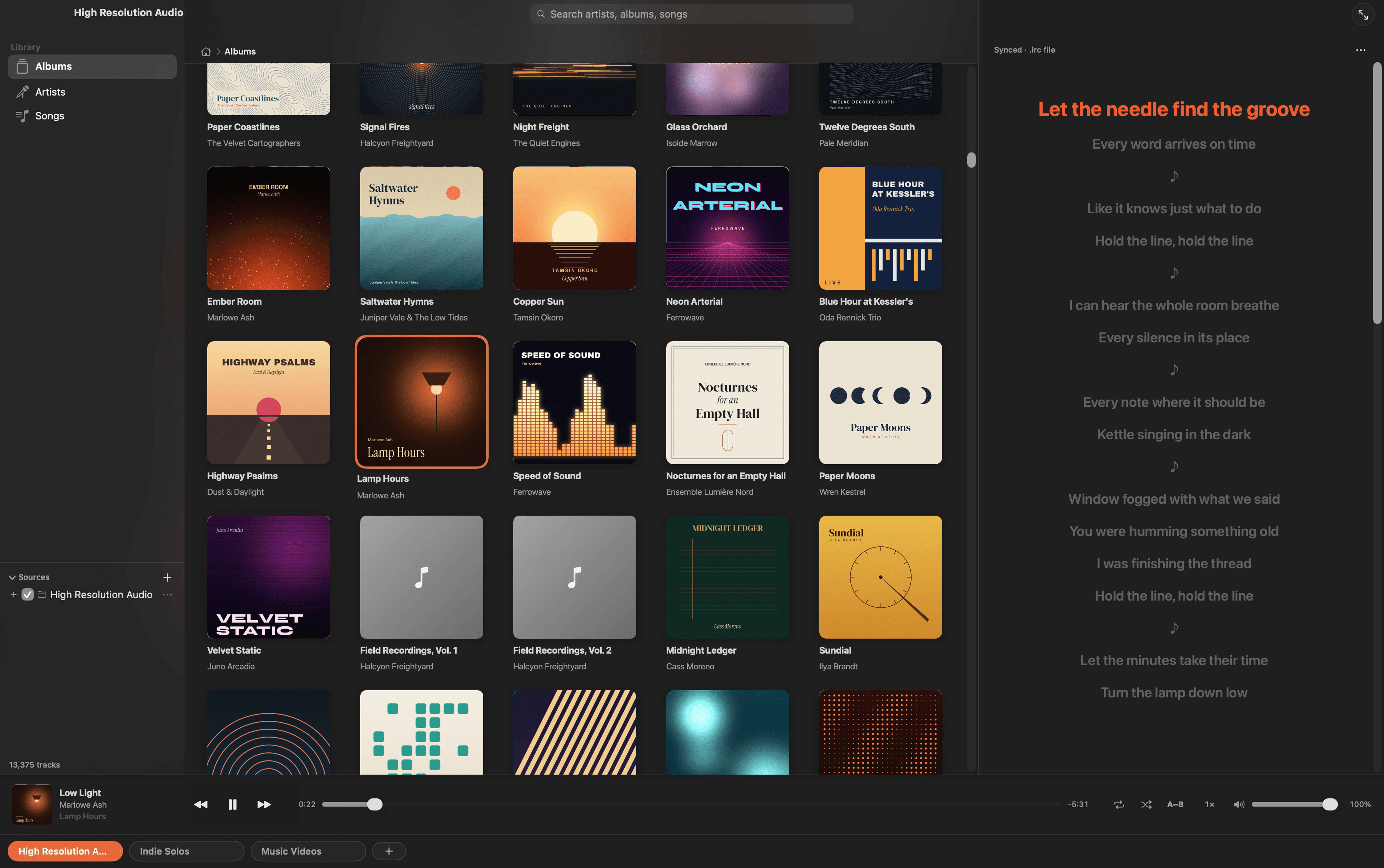
Built for people who care about sound
Everything a lossless library deserves — and nothing it doesn't.
True hi-res FLAC
Bit-perfect playback through the Mac's native audio engine. Every track shows its real format — 24-bit · 96 kHz — never upsampled or faked.
Lyrics that keep time
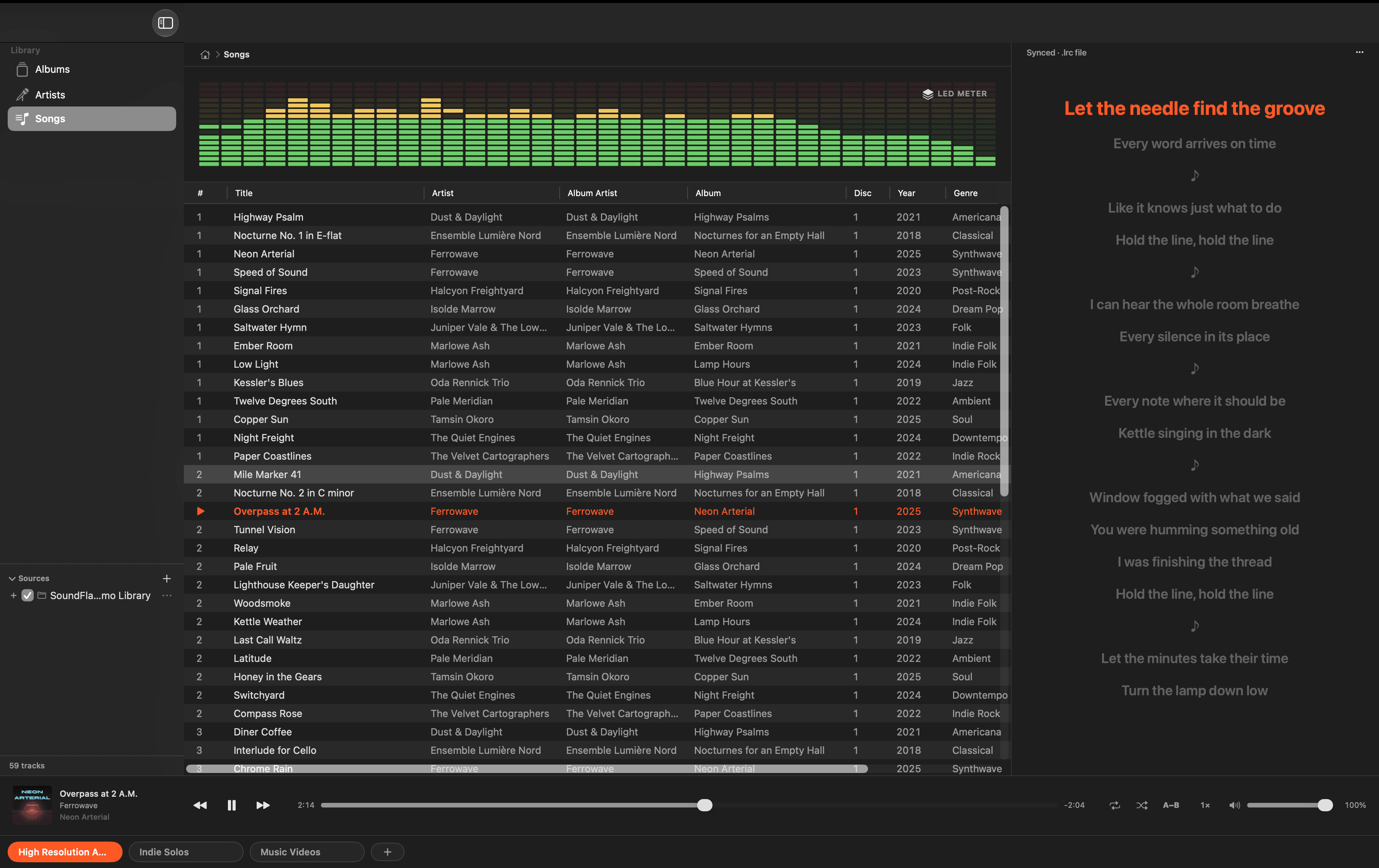
Time-synced lyrics highlight and auto-scroll line by line. Click any line to jump straight to that moment in the song.
Three lyric sources
Reads .lrc / .txt files sitting beside your music, lyrics embedded in the file's tags, and the LRCLIB online database — in that order.
Browse the way you think
Flip through your library by album with cover art, drill into artists, or scan everything as one sortable songs list.
Live visualizers
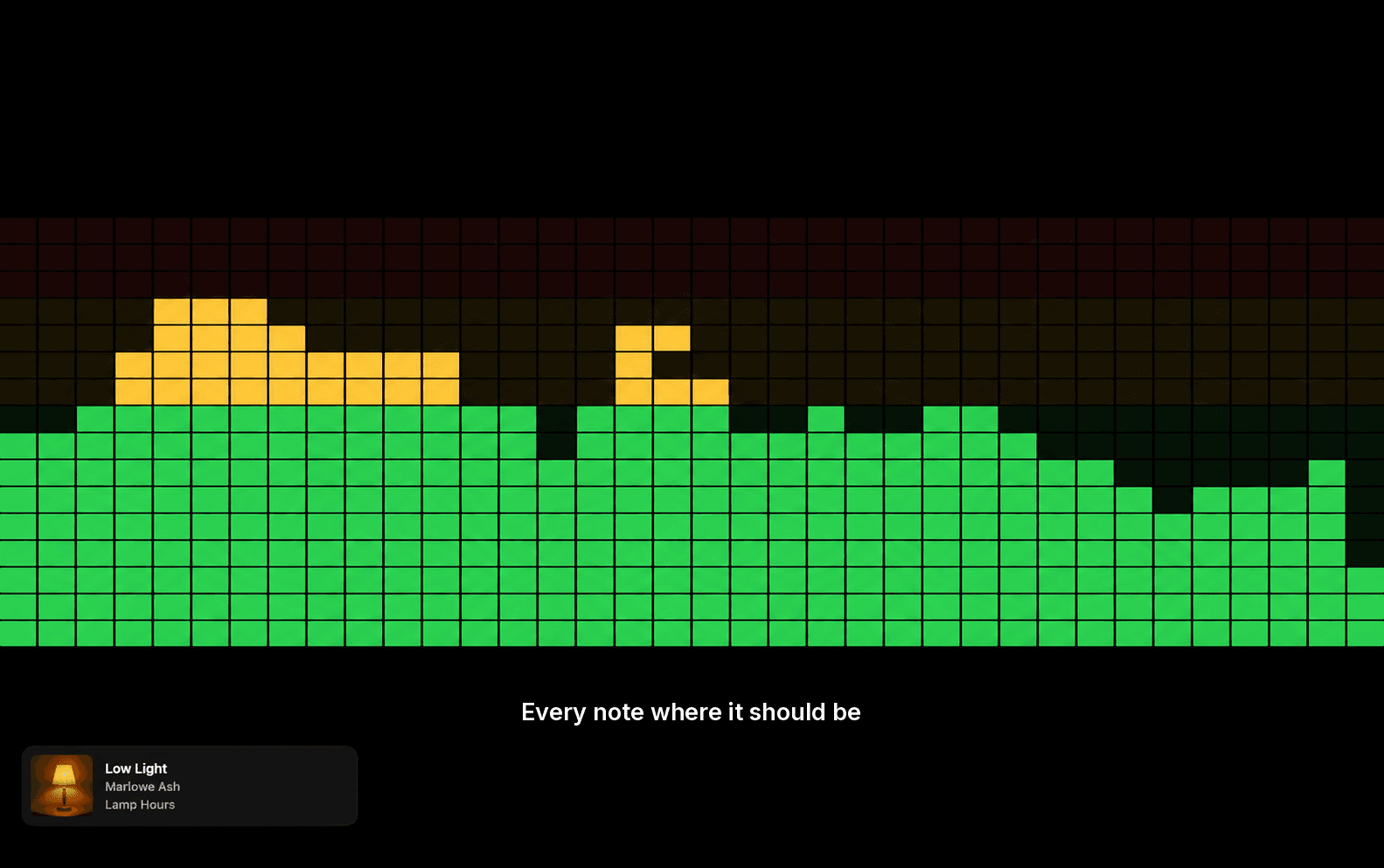
A set of reactive full-screen visualizers — from a gas fireplace to a Speed-of-Sound light wall — that move with the music.
Keys & Control Center
Media keys and the macOS Now Playing controls just work — play, pause, and skip from anywhere, even with the app in the background.
Lyrics that move with the music
SoundFlame highlights each line as it's sung and scrolls the rest into view. Click any line to jump straight to that moment. Try it below — this is a short .lrc file played back the way the app reads it.
Illustration with a fictional track. SoundFlame itself runs on your Mac, not in the browser.
Where the lyrics come from, checked in this order
- 1
A file beside the track
An .lrc or .txt with the same name as the song, in the same folder.
- 2
Lyrics in the file's tags
Embedded lyrics your tagger already wrote into the FLAC.
- 3
LRCLIB
A free public database, asked only when the first two come up empty.
Watch it move
SoundFlame ships with live visualizers that react to the track as it plays. Pick one, then let it fill the screen with the lyrics underneath.
- Linear Fireplace
- LED Meter
- Flame Bars
- Mirror Bars
- Oscilloscope
- ECG Monitor
- Beat Fountain
- Jumping Sheep
Your music never leaves your Mac.
Nothing to sign up for
No account, no email, no licence key. Open the app and pick a folder.
Works without the internet
Everything plays offline. The only request it ever makes is an anonymous lyrics lookup — and only for songs with no lyrics of their own.
No analytics inside
No ad SDKs, no trackers, no usage reporting. We can't see who you are or what you play.
The details are in our privacy policy. It's short.
Questions, answered
More help on the support page.
What file formats does SoundFlame play?
SoundFlame is built around FLAC — lossless, hi-res audio. Point it at a folder of FLAC files and it builds your library automatically.
Where do the lyrics come from?
From three places, checked in order: a .lrc or .txt file next to your track, lyrics embedded in the file's metadata, then the free LRCLIB online database. Only the song's title, artist, album and duration are ever sent to look lyrics up.
Do you collect any of my data?
No. SoundFlame has no accounts, no analytics and no tracking. Your music never leaves your Mac. The only network request it makes is an anonymous lyrics lookup to LRCLIB.
Which macOS versions are supported?
macOS 14 Sonoma and later, on both Apple Silicon and Intel Macs.
Is it really free?
Yes — SoundFlame is free on the Mac App Store. No subscription, no in-app purchases.
Bring your lossless library to life.
SoundFlame is free on the Mac App Store, for macOS 14 Sonoma or later.